Timberborn Archipelago setup guide
Timberborn Archipelago is a mod for Timberborn plus an APWorld for Archipelago. As a player you need the mod and a room to join. Only the person who generates the multiworld needs the APWorld.
What you need
- Timberborn 1.1. The mod is built for Timberborn 1.1; earlier game versions are not supported.
- The Timberborn Archipelago mod, from the download page.
- Room details from your host: the address and port, your slot name, and the password if there is one.
- Your YAML, the file with your options. The Timberborn YAML Builder makes one, and your host needs it before generating.
Step 1: Install the mod
From mod.io or Steam Workshop. Timberborn Archipelago is not listed there yet. The listings come with a later release; until then, install it from the zip.
Manually from the zip. Download Archipelago.zip and extract it into Documents/Timberborn/Mods/. You should end up with a Mods/Archipelago/ folder, with the mod's files directly inside it.
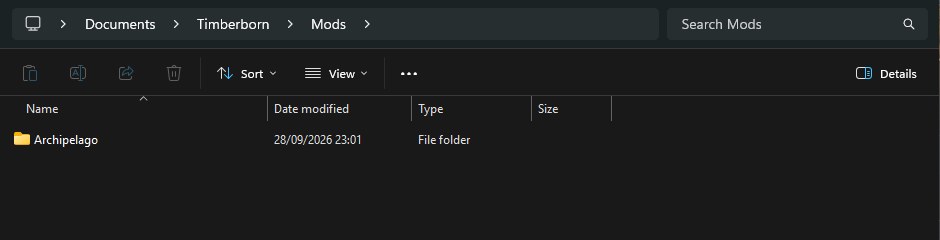
The Mods folder with the mod extracted into its own Archipelago folder.
Step 2: Enable the mod
Start Timberborn. In the Mods window on the main menu, make sure Archipelago Multiworld is ticked, then click OK.
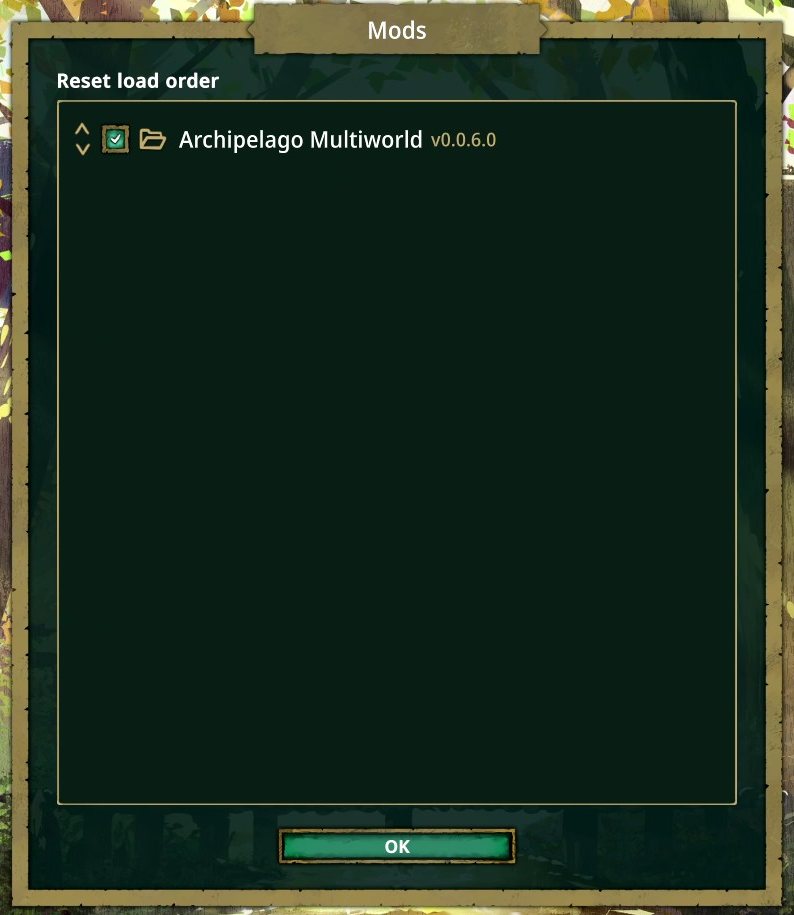
The Mods window with the mod enabled. This picture was taken on a development build, so the version number differs from the release.
Step 3: Start a colony with your faction
Start a new game with the faction your YAML asks for: Folktails or Iron Teeth. The mod unlocks Iron Teeth for you as soon as a colony loads with the mod enabled, so you don't need to reach well-being 8 in a Folktails game first. If Iron Teeth is still locked on the new-game screen, load any colony once, go back to the main menu and try again.
If the colony's faction doesn't match your YAML, the mod refuses the connection and the Archipelago log says Wrong faction! Start a new game with the right faction.
Step 4: Connect to your room
Click the Archipelago button in the bottom toolbar to open the AP Shop.
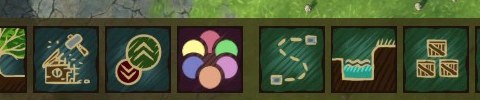
The Archipelago button: the round logo with six coloured circles.
Fill in the fields at the bottom of the shop:
- Host: the room address without the port, for example
archipelago.gg. For a server on your own computer,localhostworks. - Port: the number after the colon in the room address, for example
38281. - Slot: your slot name, exactly as in your YAML.
- Password: leave it empty if the room has none.
Click Connect. The shop fills with your seed's four paths and the log shows that you joined.
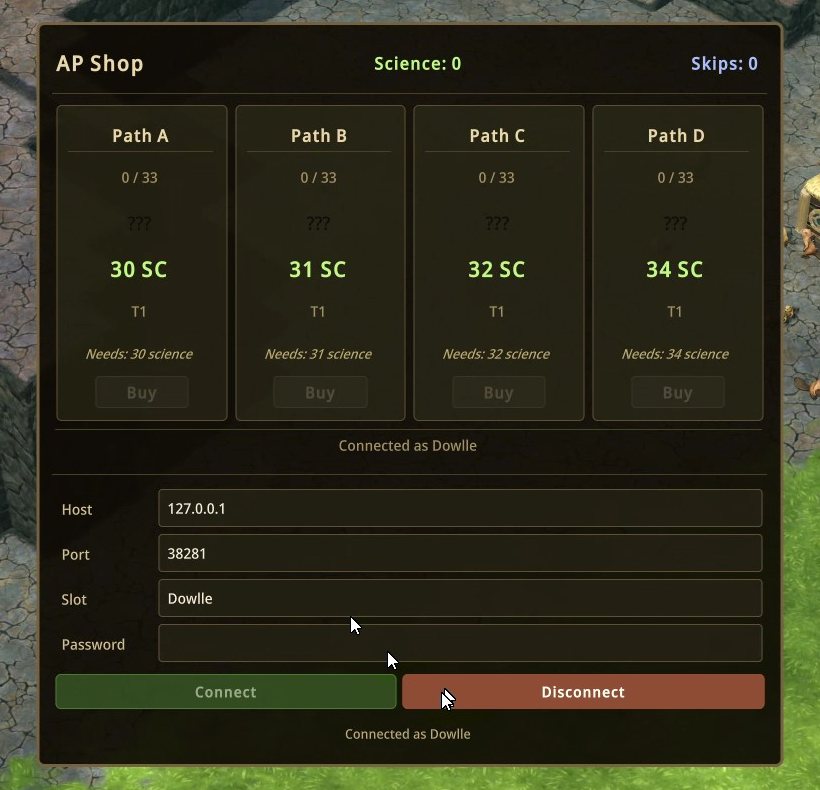
The AP Shop right after connecting. Every path starts at a small science price.
The save remembers the connection. When you load it again, the mod reconnects by itself.
Step 5: Play
Earn science as usual and spend it in the AP Shop. Each purchase sends a check to the multiworld, and the blueprints you need arrive from other players. How it works explains the shop, the items, goals and every option.
For the host: generate the seed
The seed is generated on your own computer with the Archipelago Launcher, then hosted on archipelago.gg or your own machine. The hosting guide covers every game; these are the Timberborn parts.
- Install Archipelago 0.6.7 or newer.
- Download
timberborn.apworldfrom the download page and use Install APWorld in the Archipelago Launcher. - Collect the players' YAMLs. The YAML Builder and
Timberborn.yamlfrom the release both give a valid starting point, and a collection room gathers them in one place. - Generate locally. archipelago.gg's generator doesn't include the Timberborn APWorld.
Use one version for everything: the mod, the APWorld and the YAMLs come from the same release.
Troubleshooting
- Wrong faction! Your colony is not the faction from your YAML. Start a new colony with the right one.
- The Archipelago button is missing. The mod isn't loaded. Check the Mods window on the main menu, and for a manual install check that the files are in
Mods/Archipelago/and not one folder deeper. - Connecting fails. Check the host and port separately, and the slot name spelling. Rooms on archipelago.gg get a new port when they restart after being idle, so ask your host for the current one.
- Something else. Open an issue on GitHub with your faction, the mod version and what happened.